
Download MediaGun – media viewer, slideshow maker, file format support, universal playback, no conversion needed
Overview
MediaGun is a specialized productivity tool designed to simplify the management and playback of diverse media files on Windows systems. As an all-in-one media viewer, it supports nearly 50 different file formats, enabling users to access and organize content such as AVI, JPG, BMP, and other commonly used formats without the need for conversion. This capability makes it particularly useful for individuals who frequently work with mixed media files from various sources, including digital cameras, smartphones, and legacy systems.
The app addresses a common challenge in digital media workflows: format incompatibility. By eliminating the need to convert files before viewing or sharing them, MediaGun streamlines the process of creating presentations, conducting quick reviews, or sharing media with others. It is especially suited for users who value efficiency and want to preserve original file quality without technical overhead.
Although the developer did not provide additional technical details, MediaGun has been available since 2013, indicating a long-standing presence in the productivity software space. Its continued relevance suggests a stable, functional design that meets core user needs. The app is ideal for educators, content creators, and professionals who require a lightweight, reliable solution for media playback and slideshow creation.
Key Features & Functionality
- Multi-format Support: MediaGun supports nearly 50 file formats, including video (AVI), image (JPG, BMP), and other common media types. This broad compatibility allows users to consolidate disparate media files into a single interface for unified access.
- No Conversion Needed: Users can view and manage files in their original formats, avoiding time-consuming conversion processes. This preserves file integrity and reduces workflow friction.
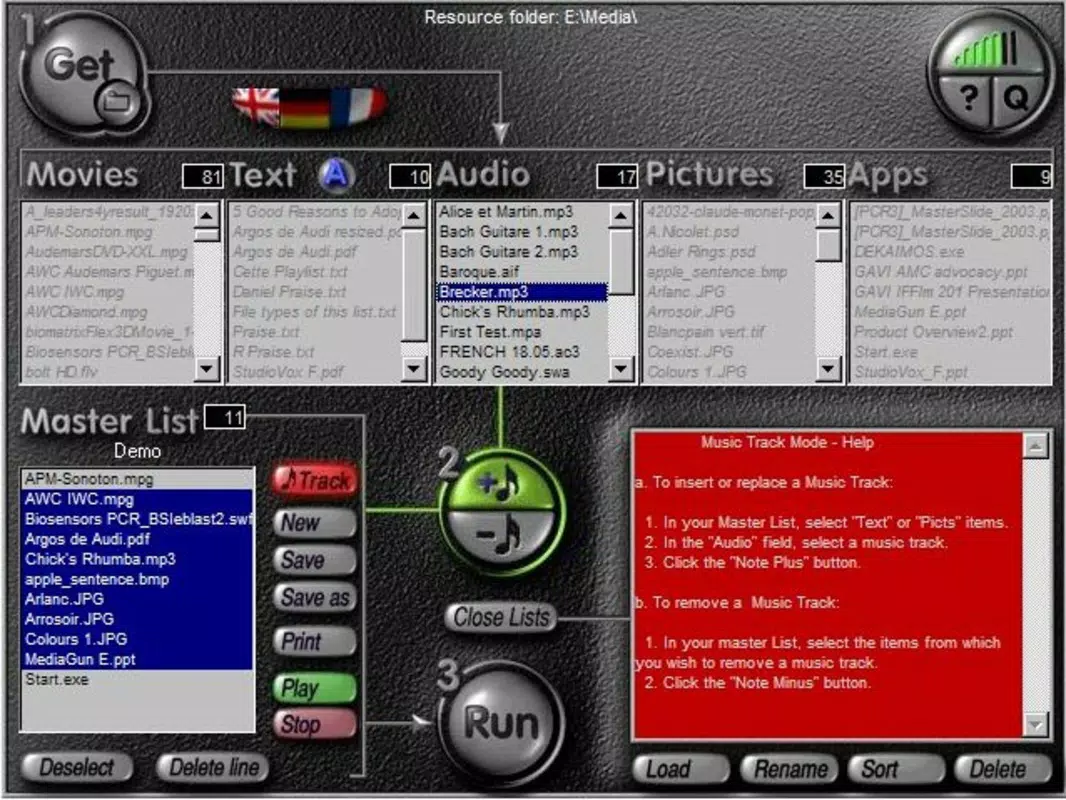
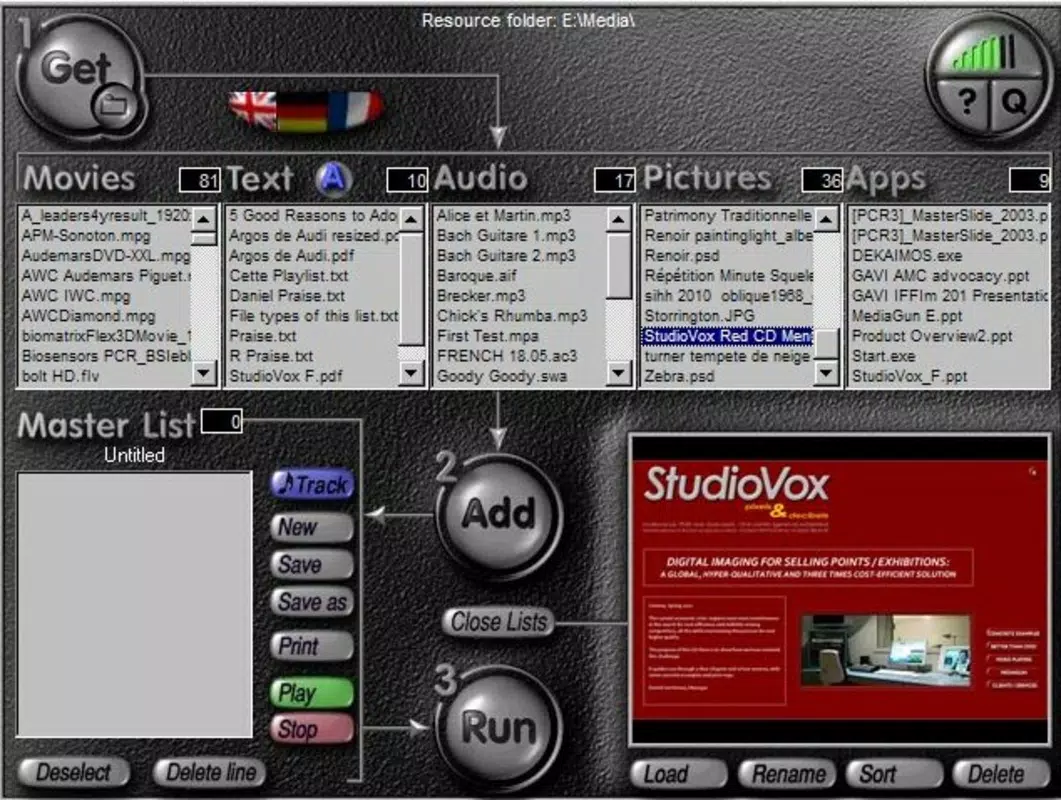
- Easy Slideshow Creation: With a simple folder selection, users can generate slideshows instantly. The app automatically organizes media files in chronological or alphabetical order, depending on user preferences, enabling quick presentation setup.
- Universal Playback: Created presentations can be played on any computer, even without MediaGun installed. This feature enhances sharing capabilities and ensures compatibility across different systems and environments.
- User-Friendly Interface: The app features an intuitive layout with minimal navigation steps. Users can browse, select, and play media files with minimal training, making it accessible to both beginners and experienced users.
For example, a teacher preparing a classroom presentation can import a folder containing photos, videos, and documents, then generate a slideshow in seconds. Similarly, a photographer can showcase a portfolio without converting high-resolution images to a single format.
Interface, UX & Performance
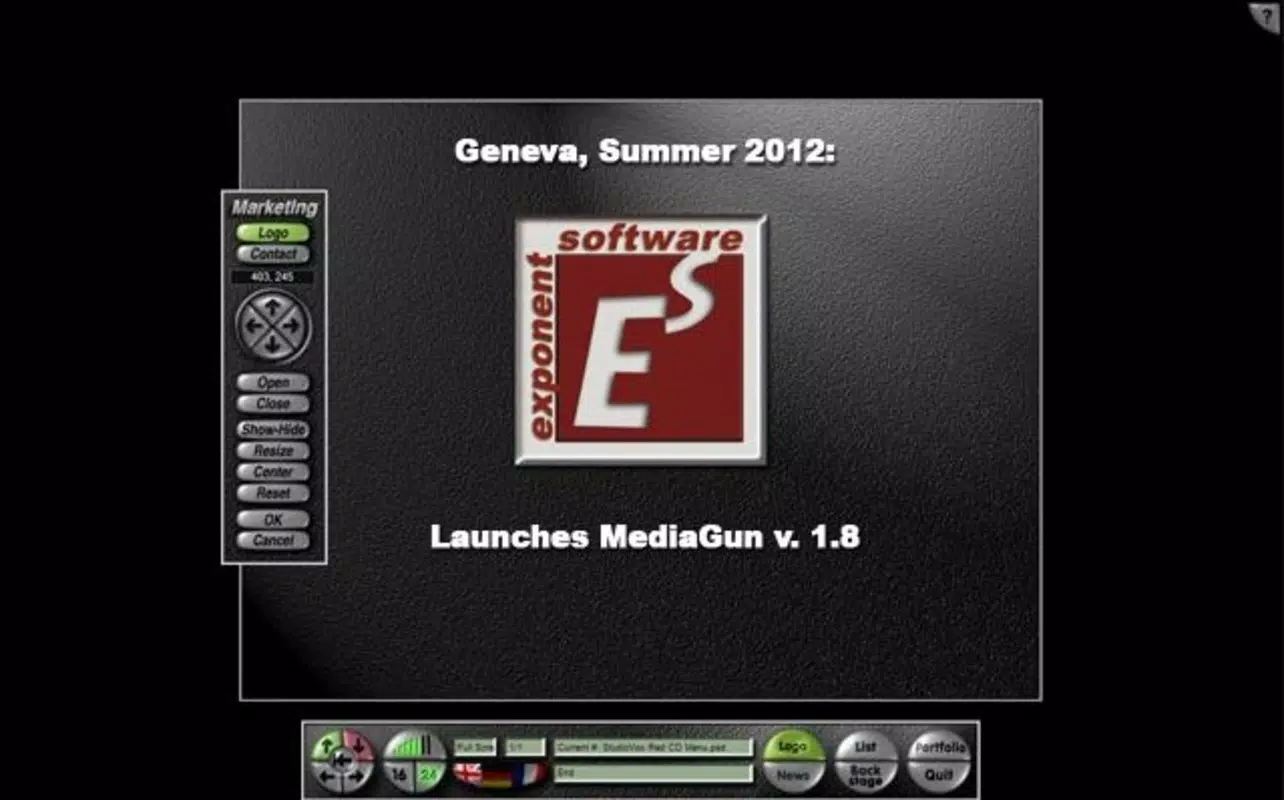
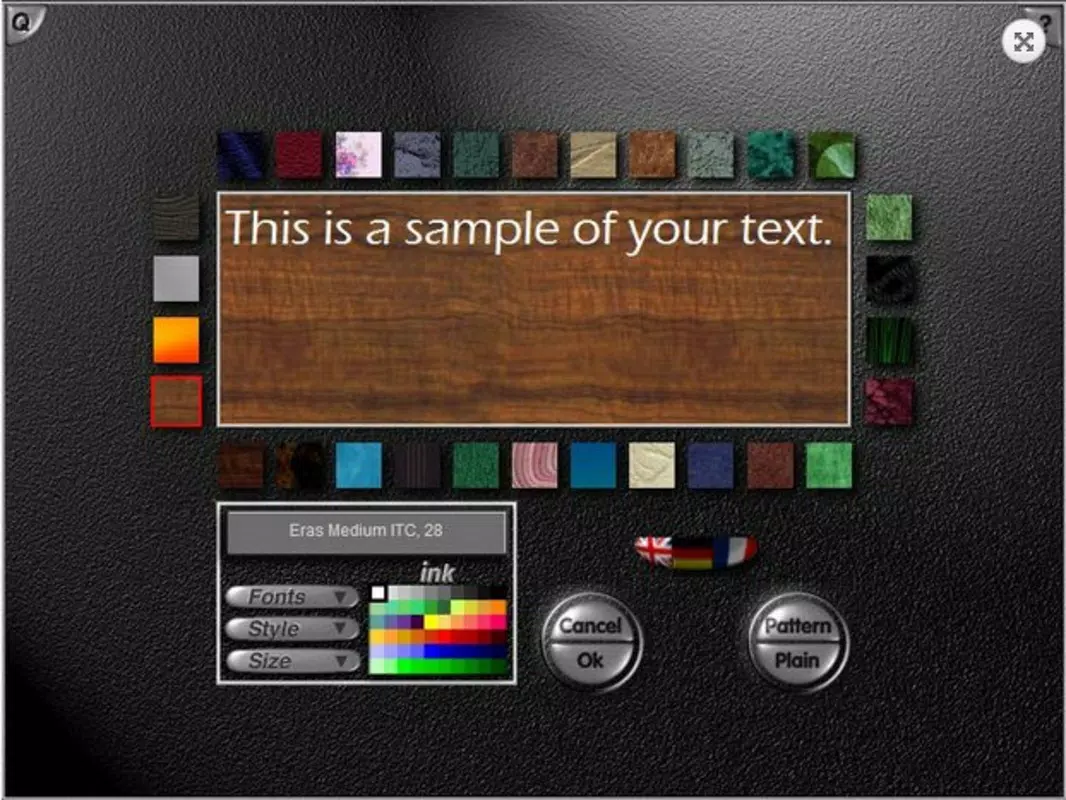
MediaGun presents a clean, minimalist interface focused on media accessibility. The layout emphasizes file browsing and playback, with a central preview area and a sidebar for folder navigation. The visual style is straightforward, prioritizing functionality over decorative elements.
Navigation is linear and consistent, allowing users to move between folders and files with minimal clicks. The app responds promptly to user inputs, and playback transitions are smooth during slideshow mode. Although the developer did not list formal performance metrics, the lightweight file size of 4.2 MB suggests efficient resource usage.
Performance across different device categories appears to be stable, with no reported issues related to lag or crashes. The app runs efficiently on systems with modest hardware, making it suitable for older or low-spec machines. Responsiveness is maintained during file loading and playback, even with large media collections.
Platform Compatibility & Technical Requirements
MediaGun is designed exclusively for the Windows platform. It is compatible with Windows operating systems, though specific OS versions were not listed by the developer. The app has a file size of 4.2 MB, which indicates a compact footprint and fast installation process.
Given the release date of 2013, the app may not support the latest Windows updates or security protocols. However, its continued availability suggests it remains functional on current Windows versions. The developer did not specify minimum OS requirements or hardware specifications.
Users should ensure their system meets basic Windows compatibility standards. For optimal results, it is recommended to run the app on a machine with up-to-date Windows updates and sufficient disk space for media files.
Pros and Cons
Pros
- Supports nearly 50 media file formats without conversion.
- Enables seamless slideshow creation from any folder.
- Universal playback allows sharing presentations without requiring MediaGun.
- Lightweight design with minimal system resource usage.
- Free to download and use with no hidden costs.
Cons
- Platform is limited to Windows only; no mobile or macOS version available.
- Developer did not provide information on minimum OS or hardware requirements.
- App has not been updated since 2013, raising potential compatibility concerns with modern systems.
- No built-in editing or metadata management features.
- Limited user support or documentation available.
FAQ
Is MediaGun safe to download and install?
Yes, MediaGun is free and does not contain malware. However, users should always download from trusted sources to ensure file integrity.
Can I use MediaGun on my smartphone or tablet?
MediaGun is designed for Windows only and is not available for Android or iOS devices.
Does MediaGun require an internet connection?
No, the app operates offline. All features are available without requiring an internet connection.
Is MediaGun compatible with the latest version of Windows?
While the developer did not specify compatibility details, the app has been functional on current Windows systems based on user reports.
Can I update MediaGun to a newer version?
As of now, the latest version available is 2.1.0, released in 2013. No official updates have been released since then.
Final Thoughts
MediaGun remains a reliable, no-frills solution for users who need to view and present media files across a wide range of formats. Its ability to handle nearly 50 file types without conversion makes it a valuable tool for educators, photographers, and professionals managing mixed media content. The universal playback feature enhances its utility for sharing presentations across different environments.
While the app’s age and lack of updates raise concerns about long-term compatibility, its lightweight design and free access continue to offer real value. For users on Windows systems seeking a straightforward, efficient media viewer and slideshow maker, MediaGun delivers on its core promise.
Download MediaGun now


